Buy anything from 5,000+ international stores. One checkout price. No surprise fees. Join 2M+ shoppers on Desertcart.
Desertcart purchases this item on your behalf and handles shipping, customs, and support to UK.
🖋️ Elevate your creativity & productivity—where digital meets paper perfection!
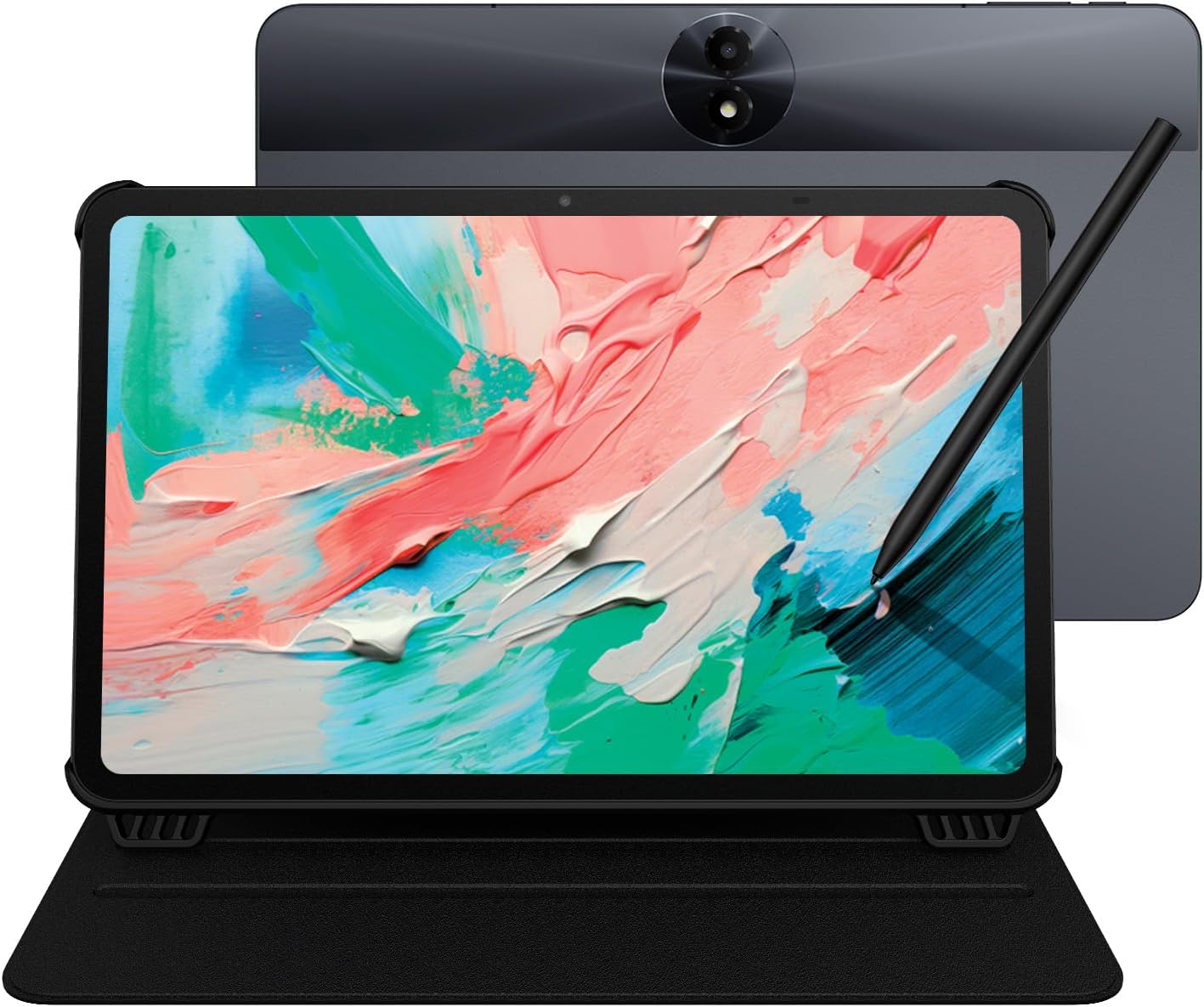
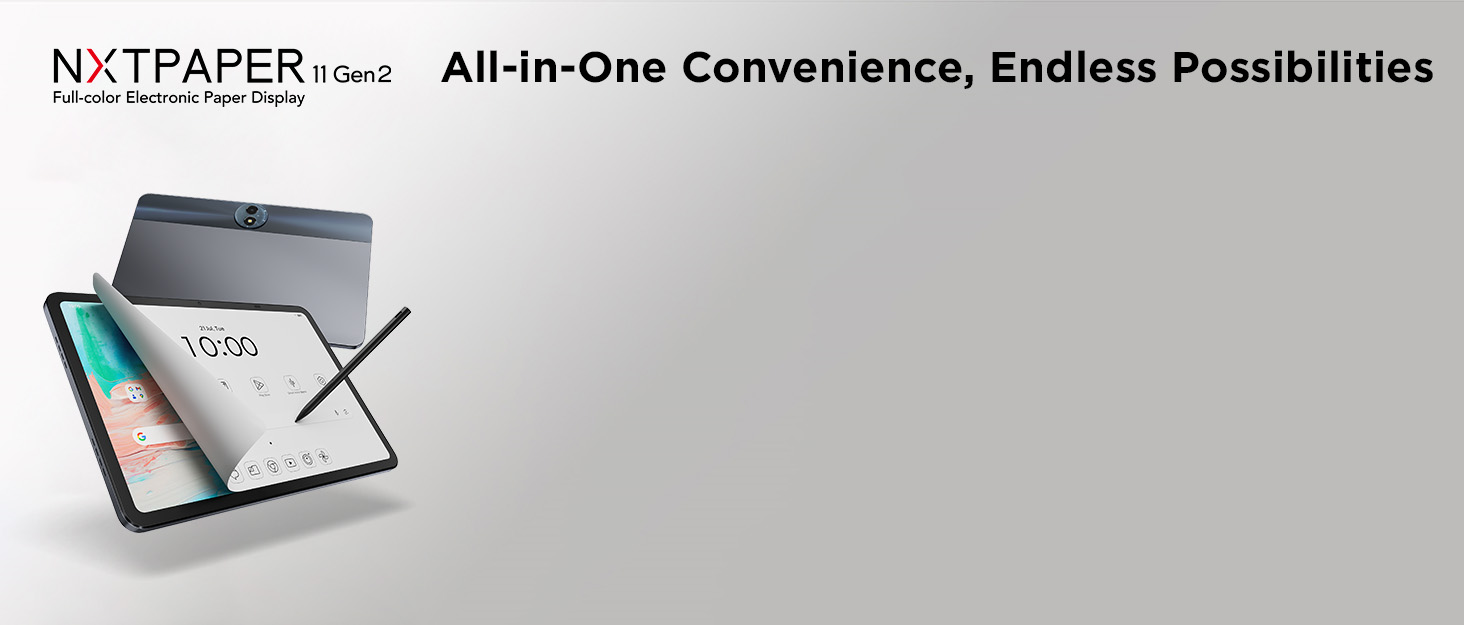
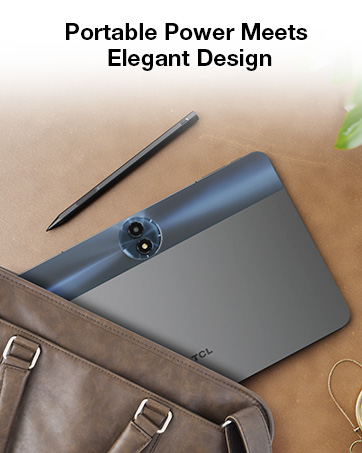
The TCL NXTPAPER 11 Gen 2 is a versatile 11-inch Android 15 tablet featuring a cutting-edge NXTPAPER 4.0 display that mimics paper to reduce eye strain. It includes a precision 4096-pressure-level stylus, AI-powered productivity tools like real-time translation and voice memos, and 3 customizable display modes for reading, drawing, and multimedia. Powered by a MediaTek Helio G80 processor with 16GB RAM and 128GB storage, it delivers smooth performance for work and play. Its robust 8000mAh battery supports fast and reverse charging, while a slim, durable design with a flip case makes it perfect for professionals and creatives on the move.


| ASIN | B0FG7QV6SF |
| Aspect Ratio | 16:10 |
| Battery Average Life | 8 Hours |
| Battery Capacity | 8000 Milliamp Hours |
| Battery Cell Type | Lithium Ion |
| Battery Power | 8000 Milliamp Hours |
| Best Sellers Rank | #6,842 in Electronics ( See Top 100 in Electronics ) #142 in Computer Tablets |
| Brand | TCL |
| Built-In Media | Flip Case, Manual, T-PEN Stylus, TCL NXTPAPER 11 Gen 2 Android Tablet, USB Type-C Cable |
| Camera Description | 5MP FF front, 8MP AF rear with flash, 1080p video recording |
| Color | Gray |
| Compatible Devices | T-PEN Stylus, Flip Case, Laptop |
| Connectivity Technology | Bluetooth, Wi-Fi |
| Customer Reviews | 4.4 out of 5 stars 211 Reviews |
| Display Refresh Rate in Hertz | 60 |
| Display Resolution Maximum | 1920 x 1200 Pixels |
| Display Type | LCD |
| Generation | 2nd Generation |
| Graphics Description | Integrated |
| Hardware Interface | USB Type C |
| Human-Interface Input | Touchscreen with Stylus Support |
| Item Dimensions L x W x Thickness | 9.98"L x 6.51"W x 0.29"Th |
| Item Weight | 1.03 Kilograms |
| Lithium-Battery Energy Content | 30.03 Watt Hours |
| Manufacturer | TCL Communication Ltd. |
| Memory Storage Capacity | 128 GB |
| Model Name | TCL NXTPAPER 11 Gen 2 |
| Model Number | 9465X |
| Native Resolution | 1920 x 1200 pixels |
| Operating System | Android 15 |
| Operating System Family | Android |
| Other Special Features of the Product | AI Assistance for Smarter Work, All-Day Power with Extra Utility, Creative Freedom with Precision Pen, Paper-Like Viewing Experience, Versatile Screen Modes |
| Processor Brand | MediaTek |
| Processor Description | MediaTek Helio G80 |
| RAM Memory Installed | 8 GB |
| Screen Size | 11 Inches |
| Set Name | TCL NXTPAPER 11 Gen 2 Essentials |
| Size | 128 GB |
| Specific Uses For Product | Note-taking, Digital drawing, Reading, Multimedia entertainment, Study, Work, Creative tasks, Meetings, Classes, Travel |
| Style Name | NXTPAPER 11 Gen 2 (Pen & Case Included) |
| UPC | 889063532747 |
| Video Capture Resolution | FHD 1080p |
| Warranty Description | 1 Year Manufacturer |
| Warranty Type | Limited |
| Wireless Compability | 802.11g |
| Wireless Technology | Bluetooth, Wi-Fi |
S**1
Excellent budget tablet with a few caveats
I was eyeing the Lenovo Idea Tab until I came across this TCL tablet. I was particularly interested in its NXTPAPER display, because I've also wanted a nice e-reader for comics, and this seemed like it would do well for that. I wanted a tablet for streaming video on the go, light web browsing, reading comics, displaying recipes in the kitchen, that sort of thing. This is a secondary device for me; I already have a MacBook Air and a Pixel 10 Pro. Pros: + Performance. This is a $200 tablet with an older mid-range SoC. It's not as fast as the latest iPad, but it's reasonably snappy and doesn't lag much. There's an occasional stutter, like when you open Maps and it zooms in, but nothing that would bother me. This tablet is *not* for gaming; its Mali G52-MC2 graphics chip is relatively weak today. Light gaming and/or older games are probably okay, but if you want to play Genshin Impact or Marvel Rivals, you will want to spend more. + Build quality is good. The frame is aluminum and very sturdy. It feels more premium than the price point would imply. + The display is very nice. I love that it's matte, and the resolution is crisp. The finish is smooth and it's not a fingerprint magnet. You inherently lose a little bit of clarity compared to a glass screen, but I much prefer anti-glare anyway. + The NXTPAPER modes are great! It's not exactly like e-ink; I can definitely still tell it's an LCD, but I like the effect. Comics look good in the color paper mode, though I wish I could adjust the saturation. Likewise, e-books look nice in the ink paper mode. I would have liked to see a physical switch for the NXTPAPER modes, but having a quick tile isn't too bad. + Battery life is very good, thanks to its huge 8000mAh battery. + The pen works well. I like that it's USB-C rechargeable, just like the tablet. I don't plan on using the pen much though. + TCL's Android skin is pretty light and unobtrusive. They haven't made too many customizations, but in general I like what they've added. The eye comfort modes and battery saving features are nice. Cons: - No guarantee of Android updates. I don't think TCL has pushed a single update since the tablet was released, and as far as I can tell, they haven't committed to upgrading to Android 16 either. The tablet is still on the August 2025 Android security update. - Speaker quality is just okay. It'll work fine for YouTube, but it's not so nice for music or movies. - No headphone jack. - It's a little on the heavy side, maybe due to the massive battery. It's not comfortable to hold one-handed for long periods of time. - The case is flimsy and thin. It works okay, but it's a bit ugly and doesn't feel nice to hold in portrait. It's nice that the tablet came with a case, as there are very limited case options otherwise, but I would have liked to see a better design. - Ambient light sensor is poorly placed. If you're right-handed and holding it in portrait, your hand will cover it if you're not careful. - Cameras are so-so. I don't know what you need a back camera for in a tablet anyway, apart from maybe scanning QR codes. The front camera should be adequate for video calls. - There's a big sticker on the back with the serial number on it. Other manufacturers laser-etch it on, or put a small sticker on the side. This feels like an afterthought for an otherwise nice-looking device. - The touchscreen can be weirdly unresponsive when charging. Sometimes it registered phantom taps, and sometimes it failed to register taps. This might be down to the particular charger or cable I used, but it was weird enough to mention. It works totally fine when unplugged. I think for $200, these are decent trade-offs. I'm happy with my purchase overall. It can do what I need it to, and I would recommend it as a secondary device.
J**Y
A good affordable table for reading etc.
Overall, this is a good, affordable (lowend) Android tablet, with some extra nice features. This is NOT a highend tablet like iPad Air, nor is it an e-ink e-Reader like Kindle Scribe, both of which are way more expensive than this. The intended users of this device: those who want to read a lot, but are not very sensitive to the front light vs back light things (like those who can use their computer for hours), prefer a lower price, like to have a device that can do more than just reading, and occasionally take a handwritten note or scratch. Compared with a 10" e-ink device like Kindle Scribe: + Much faster, no matter how fast your e-ink device is. Better color. Cheaper. Open ecosystem (not limited to Kobo or Kindle). Can do everything a tablet can besides reading. - Back light may irritate people who cannot stare at devices like computer screens or TV, one charge only lasts for 1 day or 2, instead of several weeks, no native integrated features when taking notes (like with Kindle Scribe you can put a hand written note in the middle of a book.), the Note feature is limited (like no auto sync with Google Doc). Compare with other tables: + Affordable. The screen is much less reflective, so that I can read in bright env with no problem at all. (But I heard a matte screen protector may give you similar results. I have never used that, though.) The stylus can be attached with a magnet and has buttons, pressing which can change the pen mode to eraser. - CPU not powerful (but I do not feel anything, as I do not play very graphical, fast-changing games), the speakers are not good, sounding like a small plastic radio. My 5-year-old Lenovo P11 (same price range) sounds like a Bose when compared with this tablet. The volume control button is just one - one side up and one side down. I would prefer 2 separate buttons. The case came with it has a place for the stylus, which is good, but the footprint of it is quite big when holding this device standing, not convenient (like when I watch Youtube on it when cooking.).
T**T
Not bad, saves the eyes!
I’m usually an iPad person and hate android anything. But I like this paper like tablet and it works pretty decent. I wouldn’t compare it to the functionality of an iPad by any means but it does well for an android. Makes it so much easier to read on if I choose to also. I like the matte screen because after a while my eyes do start to get sore and this helps!
T**N
Caution
Had it for exactly 7 days. Turned it off 1 night, which was difficult to do since it required a two-finger hold down of the power and volume buttons. Power off should be applied internally through the software and not buttons since it seems that companies or app developers do not want these devices to be turned off. Had difficulty getting the device to turn back on, but given the option to reboot, factory reset, etc. Was able to eventually power off again and get the device to turn on with previous settings.
K**H
Insane value. Best purchase I've made in years. Infatuated with this thing.
I absolutely love this thing. I never write reviews but I'm so happy I purchased this I had to leave one. First of all, what I like about this more than any other tablet is that it's focused on price (I got this for $159), battery life (battery lasts 2-3 days or more of moderate use) and a matte screen that makes it really good for reading. The matte screen really gives it a paper-like finish that looks kind of surreal and really brings the pages to life, and obviously helps tremendously with glare as well. I use it primarily for reading and that's what I purchased it for. I read comics with the apps and the colors are very bright and well saturated, blacks are dark and deep like an OLED, and texts are crystal clear when I'm using reading apps. Overall this thing was way beyond my expectations. Being marketed as a reader/e-ink adjacent tablet, I found the screen to be super responsive and fluid, like anything I'd expect from a high end tablet from Samsung or Apple so definitely don't let that keep you from buying this. But for the price I don't see anything beating this especially if you want to use a tablet for reading.
J**.
Impressive Tablet for Everyday Use & Creativity
I’ve been very happy with this purchase. The TCL NXTPAPER 11 Gen 2 really delivers on both performance and usability. The NXTPAPER 4.0 display is easy on the eyes and feels much more natural than a standard tablet screen, especially when reading or sketching. The included stylus and flip case make it ready to go right out of the box, and the writing/drawing experience is smooth and responsive. The tablet handles multitasking well with 8+8GB RAM, and the 128GB of storage is plenty for apps, notes, and media. Battery life has been excellent—lasting comfortably through a full day of work and entertainment. Android 15 runs smoothly, and the built-in AI tools add some nice modern touches. Overall, it’s a great balance between a digital notebook, e-reader, and entertainment device. If you’re looking for a versatile Android tablet that feels unique and comfortable to use, this one is a solid choice.
T**.
EXCELLENT tablet
I LOVE THIS TABLET. Had it for one week now. I researched multiple tablets before finally settling on this one. I wanted something that served two primary purposes: 1) Notebook with good handwriting ability and 2) Kindle replacement. This tablet does both exceptionally well. I use OneNote for note taking. The tablet version of One Note does not have writing-to-text mode which is a bummer, but I've managed to use just hand writing with minimal issues. Since One Note syncs between my tablet and PC I can access the same notes on both. The included note taking app will to writing-to-text but I don't like it nearly as much as One Note. The Kindle app is outstanding. This tablet is a good bit bigger than my kindle paperwhite and that took some getting used to, but l'm used to holding this now and it works great. The paper modes really are great. I've tried "regular" mode (high color definition like any tablet), "Ink Paper" mode (black and white like my kindle paperwhite) and finally I've settled on "Color Paper" mode, which is what I imagine a color kindle would be like (I've never used one). Battery life is great. Two days of constant use at work and home and I'm only at 68% now. Bottom line: I'm extremely pleased that I bought this tablet and I highly recommend it.
D**N
Worked solidly at first and then died overnight
I had this tablet for about a week. I picked it up on a Black Friday sale. I was excited to use it, since the screen seemed to be a decent alternative to e-ink, not exactly but at least easier on the eyes than a glossy LCD. The matte screen is a huge improvement over old laptop screens or tablets from years ago. The processor/RAM combo seemed fast enough for the basic apps I was using. I did watch a movie on it and while it was awkward to hold due to size/weight, it worked fine with decent color and solid sound quality at least over Bluetooth. Apps for the most part downloaded without issues, although when I tried to add my printer, I could never get it to work. For comparison, the printer works fine with another Android tablet of a different brand with the exact same Android version. There were a few other apps that would randomly crash or not work, but not so often that I was giving up on it. So I'm not fully confident in this specific chipset with Android 15. Then after I'd had it a week I went to turn it on one morning and found it stuck in a boot loop with the Android logo and then off and then back to Android logo. It would never load back to the icons again. I used to sideload ROMs and mess around with ADB so I have some tech experience. However, despite all my efforts I could not get the tablet to connect to the computer. Even a factory reset didn't fix the problem - there were too many corrupted files. The TCL website had a tool which I downloaded but that didn't work to connect either. I tried several different USB-C cables with no success. If that had worked, I might have been able to download the firmware, but after hours of trying to fix it, I gave up. So, if it works for you, great, but it's probably a question of time before it quits. I'd suggest turning off automatic OS or firmware updates. Mainly because I expect the tablet downloaded a firmware update overnight and then tried to install it without enough battery and corrupted itself. There should be some kind of safety check built into the process, but apparently not.
H**E
Top tablette
Superbe tablette. Franchement je ne regrette pas.
Trustpilot
2 weeks ago
2 months ago