Buy anything from 5,000+ international stores. One checkout price. No surprise fees. Join 2M+ shoppers on Desertcart.
Desertcart purchases this item on your behalf and handles shipping, customs, and support to UK.
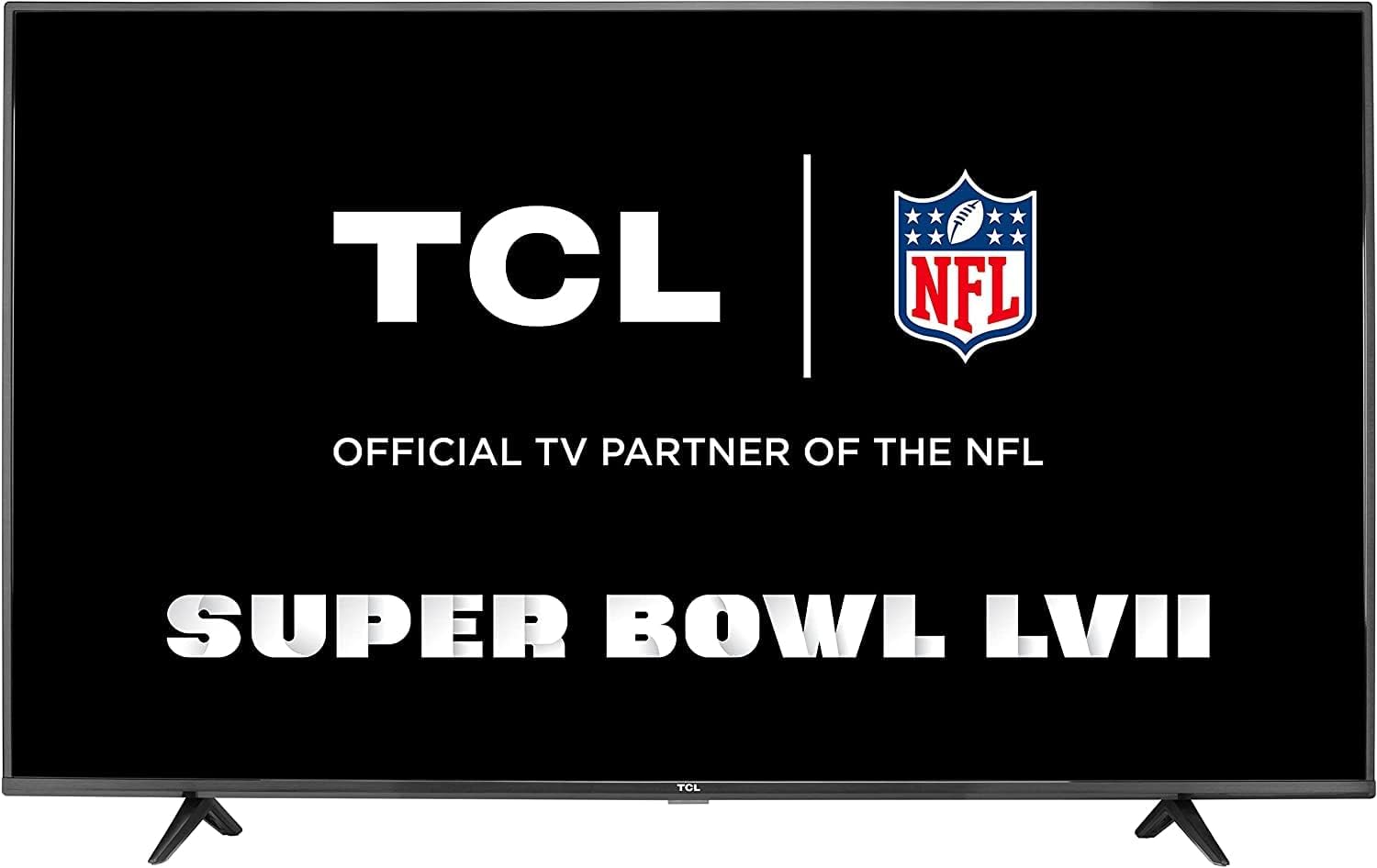
📺 Elevate your binge game with TCL’s 4K Google TV — where smart meets stunning!
The TCL 55" Class 4-Series 4K UHD HDR Smart Google TV (55S446, 2022) delivers stunning Ultra HD picture quality with vibrant HDR, built-in Google Assistant for voice control, and access to over 700,000 movies and shows via Google TV OS. Its 55-inch display and multiple HDMI inputs make it perfect for immersive entertainment and seamless device connectivity, all at an exceptional value.


| ASIN | B09JV9WMHC |
| Additional Features | Flat,Chromecast,Built-In Speaker,Voice Control |
| Annual Energy Consumption | 133 Kilowatt Hours |
| Antenna Location | Home Viewing |
| Audio Input | HDMI |
| Audio Output Mode | Digital |
| Best Sellers Rank | #34,218 in Electronics ( See Top 100 in Electronics ) #163 in LED & LCD TVs |
| Brand | TCL |
| Built-In Media | Power Cable, Remote Control, 2x Remote Control Batteries, Stand, Quick Start Guide |
| Color | Black |
| Connectivity Technology | Bluetooth, Ethernet, HDMI, USB, Wi-Fi |
| Control Method | Remote, Voice |
| Controller Type | Remote Control, Voice Control |
| Customer Reviews | 4.0 out of 5 stars 2,130 Reviews |
| Display Backlight Configuration | Direct LED |
| Display Backlight Setting | Local Dimming |
| Display Backlight Technology | LED |
| Display Language Options | English |
| Display Refresh Rate in Hertz | 60 |
| Display Size Class | 55 Inches |
| Display Technology | LED |
| HDR Format Supported | HDR10, HLG |
| Hardware Interface | 802.11 ac/b/g/n, Bluetooth 5, Ethernet, HDMI, USB 2.0 |
| Integrated Surround Sound Format | Dolby Digital Plus |
| Internet Applications | Google TV, Hulu, Netflix, Pandora, YouTube |
| Item Dimensions D x W x H | 3.3"D x 48.7"W x 28.3"H |
| Item Weight | 24.7 Pounds |
| Item Width | 48.7 Inches |
| Manufacturer | TCL |
| Mfr Part Number | 55S446 |
| Model Name | 55S446 |
| Model Number | 55S446 |
| Model Series | 4 Series |
| Model Year | 2021 |
| Motion Enhancement Technology | Basic Motion Enhancement |
| Mounting Type | Wall Mount |
| Number of Audio Channels | 5.1 or 7.1 |
| Number of Component Inputs | 3 |
| Number of Composite-Video Inputs | 1 |
| Operating System | Google TV |
| Parental Control Technology | V-Chip |
| Picture Quality Enhancement Technology | HDR Compatible |
| Power Consumption | 15.2 Watts |
| Refresh Rate | 60 Hz |
| Remote Control Technology | Bluetooth |
| Remote Required Battery Quantity | 2 |
| Resolution | 4K |
| Screen Finish | Flat |
| Screen Mirroring Technology | Google Cast |
| Screen Size | 55 Inches |
| Signal Format | digital, analog |
| Size | 55 Inch |
| Speaker Description | Built-in speaker with HDMI audio input |
| Special Feature | Flat,Chromecast,Built-In Speaker,Voice Control |
| Total Number of HDMI Ports | 3 |
| Total USB 2.0 Ports | 1 |
| Total Usb Ports | 1 |
| Tuner Type | ATSC |
| UPC | 846042023252 |
| VESA Mount Standard | 300 x 300 mm |
| Video Encoding | H.265 (HEVC) |
| Warranty Description | 1 year manufacturer |
| Warranty Type | Limited |
| Wireless Technology | Bluetooth, Wi-Fi |
D**N
High quality for very little money
I have the 43". I use this as a PC monitor. I work in software development and do it as a hobby so text and image clarity is very important. This TV delivers that very well without issue, but you must not use the terrible preset PC setting which ups the sharpness to 100 making text look very rough. I recommend putting sharpness down to 30-40. And of course turning off "enhancements" like noise reduction and headache inducing motion interpolation. This is a sweet spot for productivity monitor. The 43" size means I don't have to put scaling to 125%. It isn't annoyingly large and stretched out. The 4K resolution means I can use it like 4 1080p monitors in one with plenty of vertical space which is ideal for me. One minor nitpick is that setting TV input to PC requires two separate actions on remote/app instead of one. And the setting to use the last know input doesn't always work and will sometime land on the Google TV home when the PC is on and active. This just a minor few seconds of annoyance every other day. Also be aware that tape is applied to bezels stuck to the screen. You must be very careful when removing the tape. I recommend this monitor especially at this price point.
J**B
Good value TV
I recently purchased the TCL 55" Google TV. It has great picture and even lighting on my panel. Sound is just OK but again it's the cheapest line of TCL TV's so I don't expect anything spectacular. Setup was easy. I was able to connect to Wifi and then chose basic setup and didn't have to make any TCL accounts or sign in with Google. I am using an Xbox One S for streaming apps and games and it works wonderfully for a bedroom TV. I purchased a 43" model TCL 4 series and that is still working well at this time. I use the Google TV apps on that TV and bootup is quick and streaming apps work well. I wish Google TV's had Spectrum app but that's why I use Xbox or Roku sticks for that. All in all it's a fantastic value for a TV of this size and I am very happy with TCL products.
K**.
Cheaply Made, Died in 2 Years — Customer Service Was Useless
I bought this TCL 50” 4-Series Google TV in October 2022 for about $200 on sale. At first, I was happy with it. But after the first year, problems started: audio not matching lips, delays, random blackouts. I had to reset the TV multiple times just to keep it going. Now, less than three years later, the TV completely failed. It powers on, but the screen is pitch black with no picture or sound. I tried every troubleshooting step (unplugging, resetting, different outlets), nothing worked. When I called TCL customer service, hoping for real help since this TV is still fairly new, the rep gave me nothing. She kept talking in circles and told me the one-year warranty was over. No repair program, no extended support. Basically, “too bad.” She even suggested I hire a local repairman. Why should I pay almost what I paid for the TV just to fix something that’s a known issue with TCL sets? Bottom line: this TV is cheaply made, unreliable, and backed by terrible customer service. TCL clearly knows these issues happen but takes no responsibility. I’ll never buy from them again.
B**Y
Great TV.
This TV works great. I love the Roku channels. It has a nice picture. I only use it streaming.
P**Y
Ads and crashes, but can be fixed.
Put it in the gym. Wife was really annoyed because the default interface is very slow, full of ads, and continually crashed. Default TV is basically unusable and had me looking for a dumb monitor. It's fixable. I put on flauncher, used a button remapper to make flauncher the default, and (importantly) used adb to disable the default launcher. Other developer options you can find on youtube videos (disable updates, reduce background tasks, reduce animation scale, disable diagnostics). All good now: fast, clean interface and it runs all of the streaming stuff (amazon, plex, disney, netflix, ...) with no problems and no more crashes or ads.
J**E
Quality
Excellent!
L**G
What happens when one TV needs to serve different needs???
If you see this TV at a great price, yes buy it, but read this review plus the negative reviews FIRST so you understand the quirks especially if you are coming from a Roku TV. This TV has to please several people with different wants and tastes. If you love quality sound for music, purchase a separate speaker system and use the optical for connection. If you are the only person using the TV or you are buying for public viewing for a lot of people, it’s okay. My situation is that it’s for a family of highly opinionated of adults. This TV’s life with us started out with “return it.” We’ve had the TV for a view months so I decided to write a detailed review to help the next buyer make a confident purchase. Had I understood these things I probably would have purchased a Roku TV because the family understands the Roku quirks whereas with this Google TV, the family has to learn the details of a Google ecosystem. There is a learning curve. Listen, if you want brighter colors or darker colors, take the time to make the adjustments using the supplied remote. If you want better sounding music, order a sound bar. If you want to learn more, keep reading. Like: - larger screen - like it a LOT. - some movies are 4K and can see the hairs on the actors scalp. - no streaming device needed to connect to streaming services - need TV remote and separate remote for cable tv - almost all-in-one - connected 15 minutes - just plug into electricity and connected to internet well. ————- Dislike: - Legs screw in at an angle making it time consuming work. Solution: Be calm and work as a team. There is no easy workaround. - Sound has zero base and treble is blunted and dull. Cellphone speaker is better than this TV. If you’ve listened to good music then hear it on Spotify or YouTube then you’ll know how terrible the TV sounds. Solution: bought a sound bar with woofer. - Google app slows down and stops working when a lot of Amazon Prime streaming is used in a day. TV has to be turned off several times to reboot. - one family member doesn’t like the 4K because “it feels like I’m behind the camera rather than in the audience.” On the other hand, our elder with poor near vision becomes totally immersed in shows like Air Disasters. We are long time Roku users and prefer the Roku interface experience. So we don’t know if it’s the 4K that we don’t like or we are watching non 4K or if it’s the TV itself, but some shows feel artificial - just strange. HD movies look great like at the movies. Our space is small so the 55 inch is an amazing size to see small details. When watching Scenic Relaxation on YouTube in 4K, the details were surprisingly immersive visually but missing the sound because the newly ordered sound bar has not yet arrived. The feeling is as if I am right there flying on the drone. When flying through the clouds, the clouds come right at me. That’s my point - the 4K feels like I’m behind the camera instead of sitting in the audience. Some people like the behind the camera feeling but I do not. I prefer the distance myself from the camera. Maybe 4K takes some adjustment. The new generation won’t know any other viewing experience. - Google knows too much. Zero privacy. Must admit that Roku has a simpler easier to use design. - Google AI makes makes irrelevant suggestions if someone else uses my profile to watch their shows. When I start at the Home page of the TV, I’m immediately presented with YouTube suggestions. For some people, that’s great news but for me it’s awkward especially if someone else uses my profile. Google judges by the profile. On a Roku TV every user starts out equal until they open an app. The Google Home Screen looks cluttered. If you have never used a Roku TV, then you won’t know the difference. One adult family member stated that if she had known the Home Screen would be dramatically different than Roku, and the TV was her purchase, she would have returned the TV. Wow. I was surprised. I would not return the TV for that reason, but some would. - Must purchase Amazon movies on my phone first before can watch on TV. This is the most awkward and annoying feature. Should you buy this TV? The answer depends on what features are important to you like what’s your budget? Consider paying for an extended warranty (we did not) and purchasing a sound bar with woofer. If sound becomes an issue due to hearing loss, we will purchase a portable speaker system for the hard of hearing to use with this TV also found on Amazon. The reality is that the adult kids all have their own TV systems that are quite fancy and high tech, so this low tech TV was a bit of a shock to them, but highly advanced for the parents. If this TV is a gift for someone, let the receiver decide if they like it and stop complaining. Purchase the warranty and send a gift receipt. Mom says if the recipient is happy, then you be happy too. We hope this review will help you as you decide which TV to purchase. For people who are easy to please, this TV is a good purchase. Mom says new tech always starts out very expensive. By the time people pay off the debt, the tech is old and something new appears and the cycle starts again. Mom says stay within your budget and invest in relationships with family not tech unless buying stock :-) If you can’t please everyone in the family with a purchase, oh well. Life will go on. There’s always something better over the horizon. Learn to stay within your budget and make things work. Mom says read the reviews including negative reviews. Negative reviews help you understand what you are buying when things go wrong so there are no surprises. Some negative reviews also provide solutions. Doesn’t mean don’t buy. Means buy with knowledge and confidence. Mom says a lot of stuff :-) Cheers y’all.
A**X
Good value for your money!
Overall it is good for the money. I see people commenting about the TCL accout. You can bypass this by pressing up button 5 timess then down button 5 times then choose skip. For older people who are not techy, you might need some youngster's help but overall pretty good tv. So i am still giving it 5 star. Easy to install legs, lightweight to carry. Quality picture.... Definitely worth every penny spent.
Trustpilot
2 months ago
1 day ago